Android 17 quietly fixed the multitasking annoyance that’s bugged me for years — here is a clear breakdown of what happened and why it matters right now.
The details below put the news in context: the key points first, the background after.
There’s no denying that Android 17 is light on new features, with the biggest one—the ability to create your own widgets—not even being present at launch. While I’m disappointed that I can’t create custom widgets for the time being (the feature should arrive in a future update), there’s another Android 17 feature that caught my eye.
I’m talking about app bubbles, which finally allow for seamless multitasking on Android phones. Despite finding them very handy, I’m not planning to use them until Google fixes their biggest flaw.
Looking to upgrade to a Pixel but not sure if you need all the bells and whistles of the more expensive models? You won’t be disappointed with the standard Pixel 10 model. Coming in striking colors, Gemini features, and seven years of updates, you can’t go wrong with this purchase.
Ever since the early days of Android, multitasking has been one of the most sought-after features among smartphone enthusiasts. While we eventually got the ability to use two apps in Split Screen mode, I don’t consider this proper multitasking. Not only are you limited to just two apps, but you also have to make one app much larger than the other to comfortably navigate both. Having each app take up half the screen makes both difficult to use, even on phones with massive displays.
I find Split Screen mode anything but intuitive, and instead of relying on it, I’ve been “multitasking” on my Android phones the usual way: by juggling between open apps in the Recent Apps screen.
Foldable phones solved this issue years ago by allowing for proper multitasking, letting you use two apps at the same time, both fully open and easy to navigate. Some models can even display three apps simultaneously. On most foldables, two of those apps are shown in split view while the third occupies the remaining screen space, which isn’t perfect but is still much better than what we had on regular slab phones.
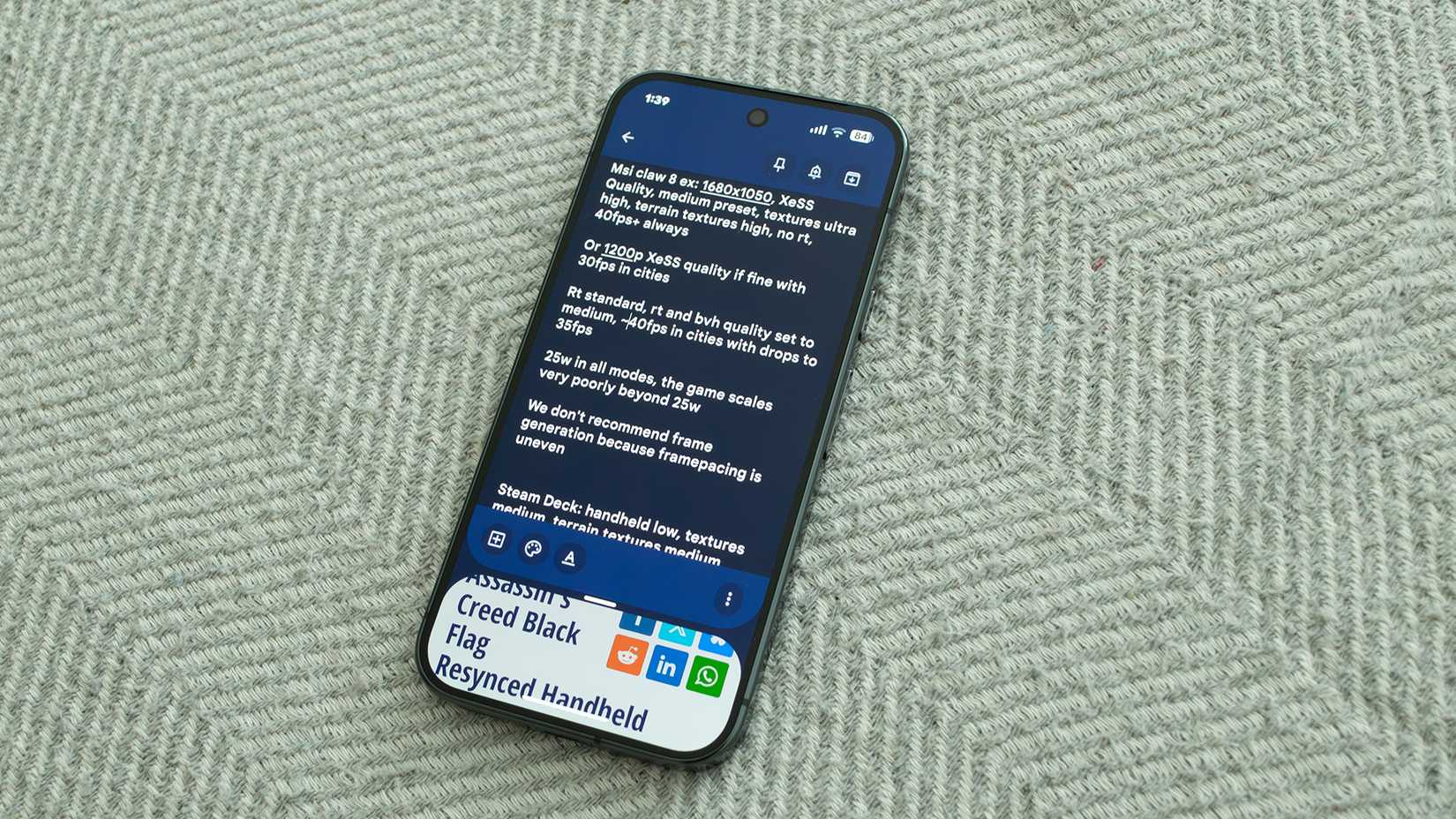
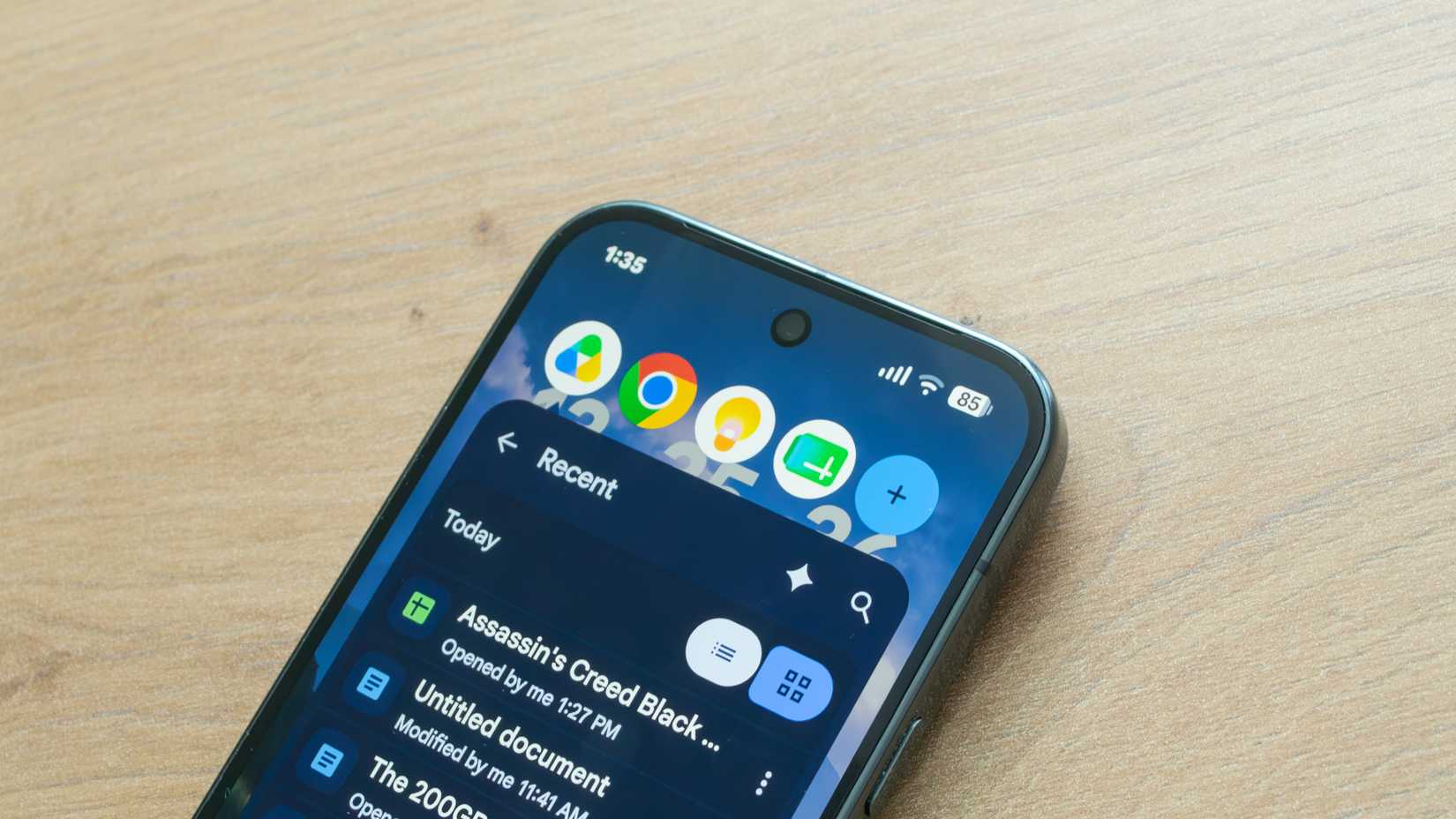
With Android 17, Google has finally solved my multitasking woes with the new app bubbles feature. I can now open up to five apps at once and switch between them simply by tapping their bubble on the bubble bar at the top of the screen. Each app takes up more than two-thirds of the screen, enough to use it comfortably. To open an app as a bubble, press and hold its app icon, then tap the bubble icon highlighted in the first two screenshots in the gallery above.
While I don’t have access to two apps at the same time as I do in Split Screen mode, I can at least multitask across multiple apps without having to split their views or juggle between them by flicking through the Recent Apps screen.
I’ve found the feature super useful when working on the handheld performance benchmarks I do for TechPowerUp. I can now keep all the apps I need open (Google Drive, Google Sheets, Google Keep, Chrome, and, quite often, Microsoft Teams) and readily available on the bubble bar. I can then enter benchmark results in Google Sheets, type notes and optimized settings for different handhelds in Google Keep, consult previous benchmarks in Google Drive and Chrome, and communicate with my editor via Microsoft Teams if I encounter any issues.
While I used app bubbles for a few weeks and still find them genuinely useful, I won’t keep using the feature because it comes with a major drawback that Google should address sooner rather than later.
Despite Google touting App Bubbles as an Android 17 feature, you can currently only use it with the Pixel Launcher. If you’re using a third-party launcher, like I’ve been for the last few weeks, you’re out of luck because app bubbles aren’t available on third-party launchers as of this writing. Honestly, I find this very disappointing. Google has been presenting App Bubbles as an Android 17 feature, so restricting it to its own first-party launcher feels disingenuous, if you ask me.
It’s worth noting that I can switch to the Pixel Launcher, open apps as bubbles, then switch back to a third-party launcher (Lawnchair in my case), and the bubbles will stay open. While it’s a legitimate workaround, I don’t plan to switch to the Pixel Launcher and back every time I want to use app bubbles.
At the end of the day, I won’t use app bubbles until they’re available on third-party launchers. And if Google decides to keep them exclusive to the Pixel Launcher on Pixel phones, so be it. I don’t plan to downgrade to the Pixel Launcher because it’s far too limiting for my needs. Why would I use an inferior product when there are so many fantastic third-party launchers available? A well-made multitasking feature alone won’t change my mind.
The Google Pixel 10a is a barely updated version of the Google Pixel 9a, with a slightly brighter screen and an upgrade from Gorilla Glass 3 to Gorilla Glass 7i. Google has shaved the remaining few millimeters from the camera bump, making it completely flat. Unlike prior versions of the Pixel a series, this model year does not share the same Tensor processor as the mainline Pixel 10.
I really like app bubbles and find the feature useful in multiple work routines. But the fact of the matter is that if you own a Pixel phone, app bubbles are only available in the Pixel Launcher despite Google describing them as an Android 17 feature. I’d be fine if Google presented them as an exclusive Pixel Launcher feature, but as it stands, this is misleading, and some would even argue that it borders on deceptive marketing.
About the Author