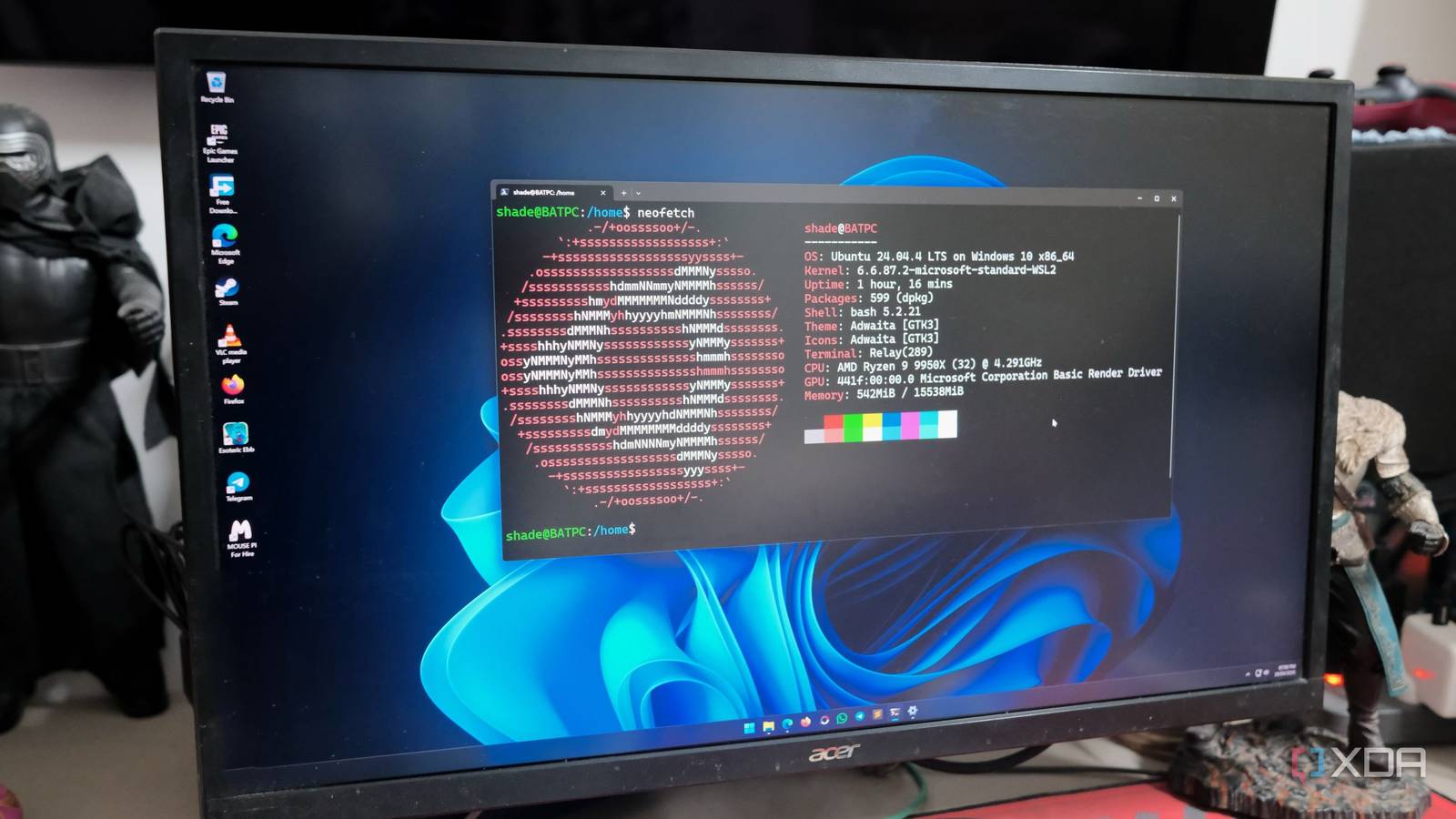
The topic of Microsoft keeps promising WSL will finally feel native, and I’m tired of waiting is currently the subject of lively debate — readers and analysts are keeping a close eye on developments.
This is taking place in a dynamic environment: companies’ decisions and competitors’ reactions can quickly change the picture.
Whenever I try to SSH from my Windows 11 desktop to my Proxmox node to spin a new container, it rarely goes smoothly. Sometimes the connection drops; other times there’s a permission issue. But I get no warnings, no error messages — just silence. So I restarted the WSL, reconnected, and carried on. I’ve done that enough times that it’s muscle memory now.
My home lab runs a Proxmox host with a handful of VMs running various services, a Raspberry Pi 4, and a few ESP32 boards. These devices run 24/7 and behave exactly as expected. And when I want to use them, the least reliable Linux environment is Windows Subsystem for Linux (WSL) with the Windows Terminal.
Microsoft keeps trumpeting that WSL will feel native, but has yet to deliver on that promise.
WSL is supposed to be a command center. As a homelabber, I want to SSH into Linux nodes, test Docker configs, and manage everything without dual-booting into Linux.
I used WSL on Windows as a bridge. With some initial hiccups, I got comfortable using WSL to manage my Linux machines. But it was never quite fast or efficient enough to trust entirely.
WSL2 is genuinely better in setup, compatibility, and raw performance — better isn’t the same as native, though. The moment you start working with the Linux file system, networking, and USB passthrough workarounds, you hit the wall. These issues remain open on GitHub.
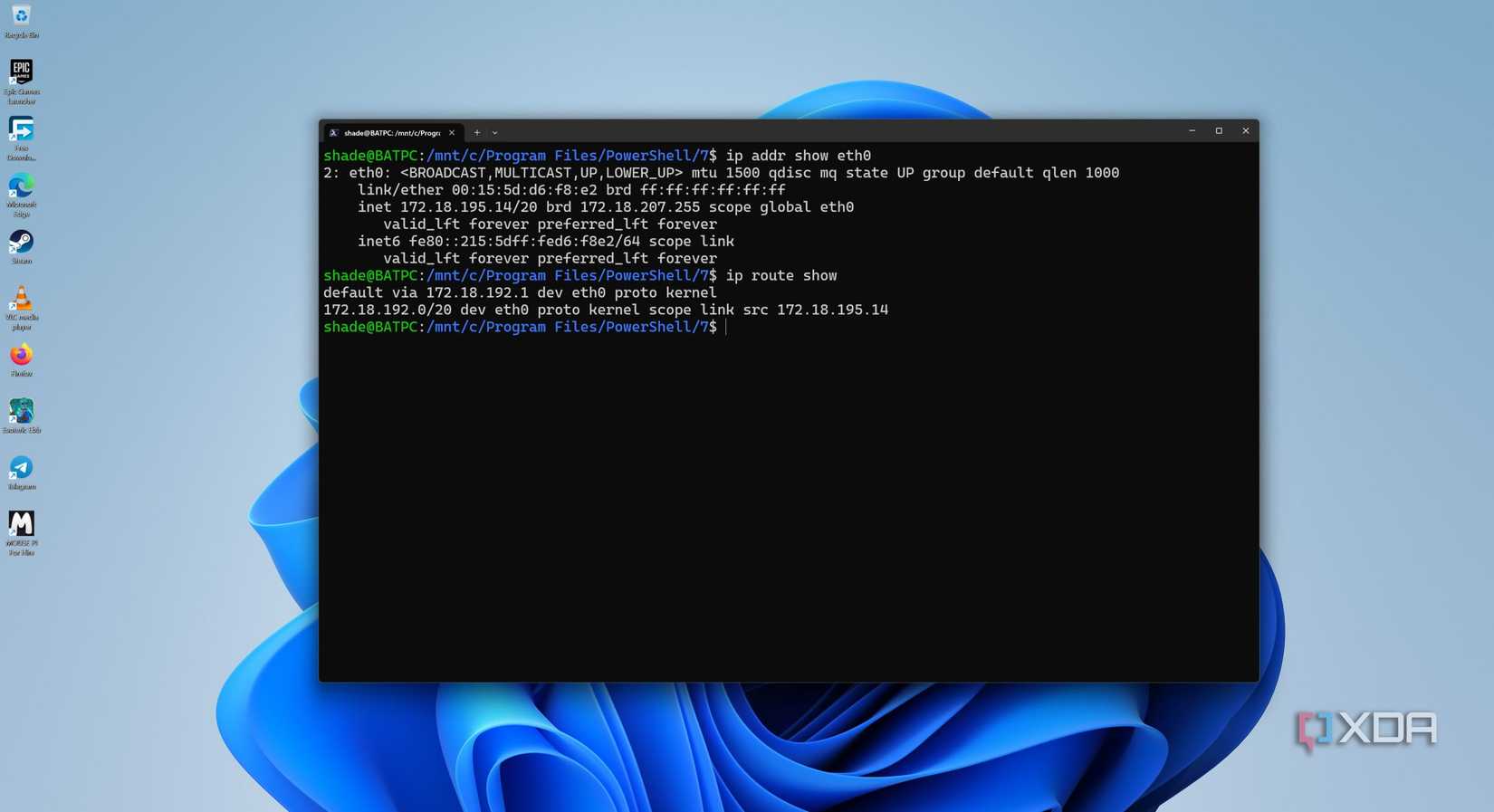
Accessing project files under the WSL’s window mount point (/mnt/c/) is slow compared to working natively in a Linux file system. That’s because WSL and NTFS on Windows don’t talk efficiently across the OS boundaries.
Even if I managed, I had to fight for file permissions, and it took a lot of digging to discover the issue. On top of that, WSL2 requires me to use a separate tool to manage USB passthrough, and I need to manually follow the multistep setup.
for example, I have stitched my home lab together with Tailscale so I can access it when I am away. That’s how I plan to access my Pi, Proxmox node, and NAS from anywhere. But when I use WSL, it’s not as straightforward. When I pause using the active connection and try to resume it, the end node becomes unreachable.
After struggling for several minutes, I discovered that I was pinging the wrong node. Restarting WSL is the only fix. I wrote that on a sticky note on my monitor, and it has outlasted two reinstallations.
Following many permission errors with /var/run/docker.sock, I gave up on WSL and moved everything to Docker Desktop. But that created a new problem: two Docker engines run at the same time, but the CLI picks just one. When I switch terminals or restart WSL, it might pick another engine without a warning. That’s how I’ve landed with Dockers running healthy, but in the wrong place.
Leaving WSL running feels like a sin since the memory consumption climbs steadily over time. If I leave WSL running, the PC gradually becomes sluggish, and the only solution is to restart WSL. Looking back, I always compare how easily SSH runs on my Linux VM on the Proxmox node.
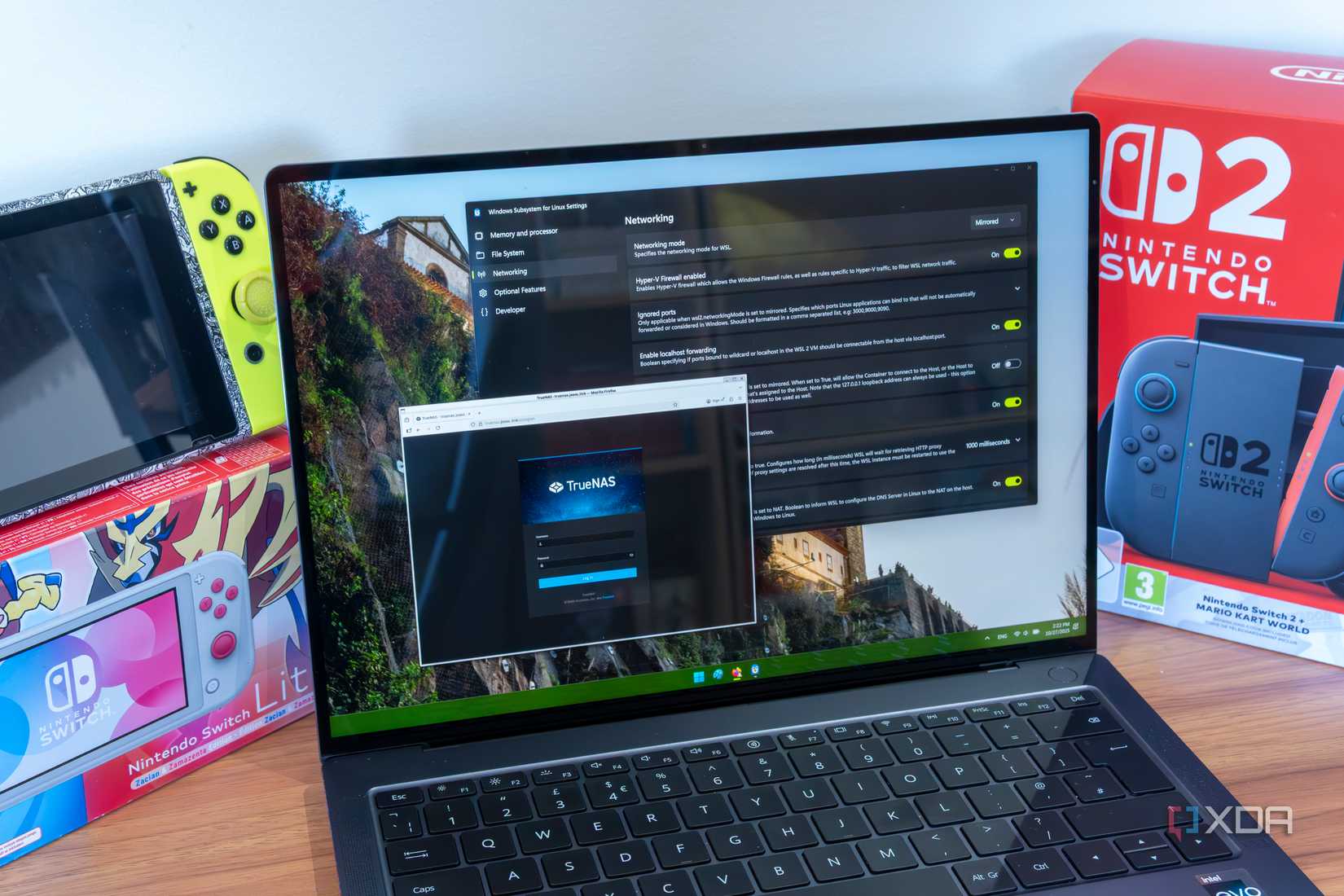
For simple tasks like SSH sessions, running scripts, updating the OS, and rsyncing files across storage — all that works fine with WSL. But a home lab is seldom simple by design. For starters, customizing a network includes using custom DNS, split-tunnel VPNs, and multiple VLANs. That’s why WSL stumbles the most, since it can’t handle suspending the active connection temporarily and resuming it later.
I follow a simplified workflow — SSH directly into Pi or Proxmox to keep the services contained to the respective machines. For moving files around, I prefer rsync. This works clearly for my homelab. Yet, this is a workaround.
That is strange since the WSL was supposed to remove the exact friction to deliver a native experience.
WSL is the reason I still don’t dual-boot on my desktop. I keep reading the changelogs, hoping that the next update makes the experience truly native. Instead of a bevy of new features, I want basic fixes. On top are memory management with releases, just like normal processes; networking that survives suspend-resume cycles; and better file system performance, so I don’t have to switch OSes.
I don’t care if those things don’t contribute to a good update announcement post. I manage my home lab of nine devices with far more predictable behavior than in a single terminal window on my main PC. A Raspberry Pi running off a USB charger in the corner is more consistent. That should bother Microsoft more than it seems to.
Why it matters
News like this often changes audience expectations and competitors’ plans.
When one player makes a move, others usually react — it is worth reading the event in context.
What to look out for next
The full picture will become clear in time, but the headline already shows the dynamics of the industry.
Further statements and user reactions will add to the story.