Your ultra-fast NVMe SSD is secretly running on 40-year-old tech — here is a clear breakdown of what happened and why it matters right now.
The details below put the news in context: the key points first, the background after.
SCSI (Small Computer system Interface) started out as a physical interface for connecting peripheral devices, primarily storage drives, to computers. Over time, it evolved into a collection of storage standards that are still in use today. You might not know it, but your Windows PC still relies on SCSI in multiple ways.
The SanDisk WD Blue SN5100 is one of the best QLC SSDs on the market that can match any PCIe 4 TLC drive while being more affordable.
SCSI began its life in the late 1970s, when a team at Shugart Associates, a computer peripheral manufacturer best known for introducing the 5.25-inch floppy disk in 1976, developed the Shugart Associates system Interface (SASI). Introduced in 1979, SASI was designed to connect peripheral devices to computers. While the interface could be used with different types of peripherals, it primarily targeted storage devices.
Then, in 1981, Shugart and NCR Corporation jointly presented the interface to ANSI (American National Standards Institute), which standardized it as SCSI, or “Small Computer system Interface,” with the acronym commonly pronounced as “scuzzy.” SCSI was born, with a maximum transfer rate of 5MB/s.
For some time, SCSI was both a physical interface and a software protocol, but the SCSI-3 revision separated the physical layer from the software layer, allowing SCSI commands to be used over various other interfaces, including Ethernet and, later, USB.
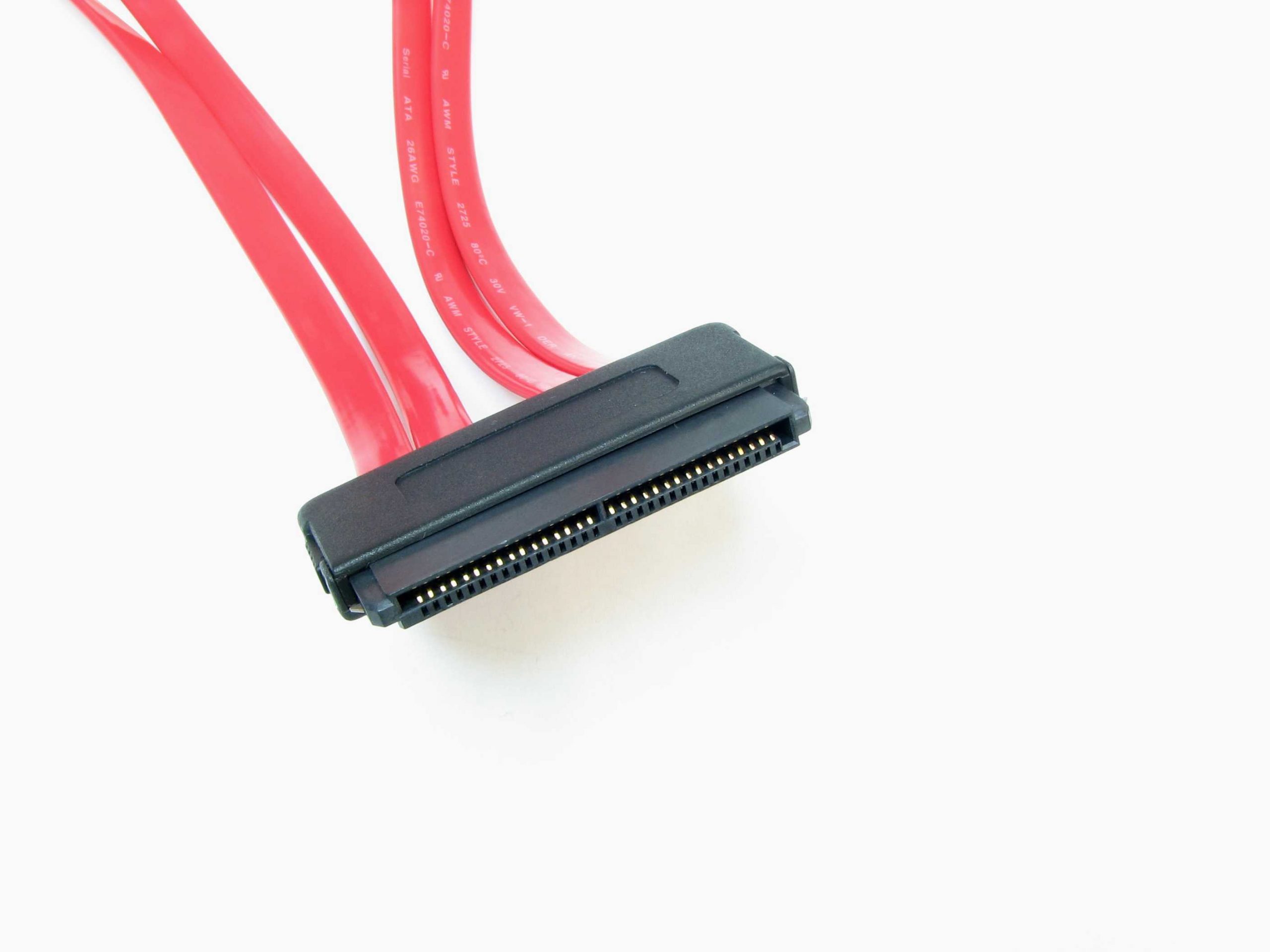
Over the years, the SCSI interface received multiple transfer speed upgrades, with the final parallel SCSI standard, Ultra-640, being released in 2003 and supporting transfer rates of up to 640MB/s. Such high speeds pushed low-voltage differential (LVD) signaling, used by newer SCSI revisions, to its limits. As a result, Ultra-640 marked the end of parallel SCSI and the rise of Serial Attached SCSI, better known as SAS.
During SCSI’s heyday, many computers used the interface. You could find SCSI ports on early Macintosh computers, starting with the 1986 Mac Plus, as well as on Amiga and Atari machines. The interface never became particularly popular on PCs, but many early CD-ROM drives used it, meaning you had to install a SCSI card if you wanted to use one.
Nowadays, parallel SCSI as a physical connector is mostly forgotten, but its serial successor is still widely used in the enterprise space. SAS (Serial Attached SCSI) has been the go-to interface for enterprise hard drives, and later enterprise SSDs, for decades. While newer and faster PCIe SSDs have abandoned SAS in favor of U.2 and U.3 interfaces, SAS remains popular because hard drives are still widely used in servers and data centers around the world.
As for the consumer space, starting with USB 3.0, SCSI became the backbone of the USB Attached SCSI Protocol (UASP), which was developed to replace the aging Bulk-Only Transport (BOT) protocol used with USB 2.0 because it couldn’t keep up with the bandwidth offered by USB 3.0 and newer USB standards. BOT is a sequential process, while UASP provides a multithreaded way of transferring data that supports command queuing and out-of-order execution, allowing not only higher transfer speeds but also lower latency and reduced CPU overhead.
Most modern external hard drives and SSDs that connect to PCs via USB use UASP, which has been natively supported in Windows since Windows 8. Nearly every PC with USB 3.0 support should natively support UASP, as long as it was manufactured in the early 2010s or later. In other words, every time you plug an external storage drive into your Windows PC, you’re using SCSI—or, more accurately, your PC and the storage device are using SCSI commands to communicate and transfer data.
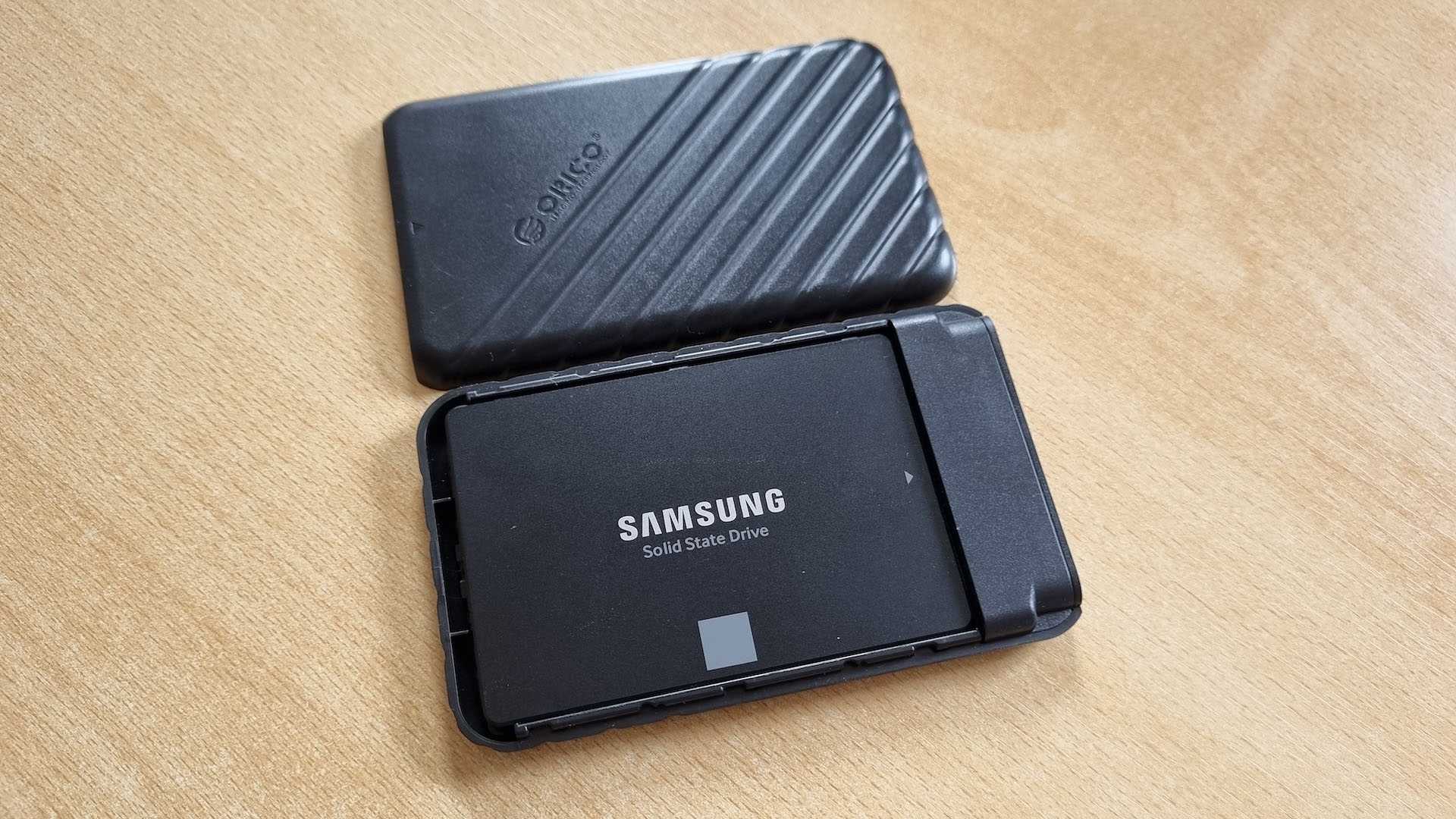
I tested this on my Windows 11 PC, and it checks out, at least for external SSDs. As you can see from the two screenshots above, both of my external SSDs—a SATA-based Samsung 850 Evo housed in a cheap Orico USB 3.0 enclosure and a Samsung 980 Pro NVMe drive housed in a beefy Delock USB 3.2 Gen 2×2 enclosure—use UAS to communicate with my PC.
But it gets even better: your Windows 11 PC sees your ultra-fast NVMe drive as a SCSI device.
The Samsung T7 is a legendary external SSD that combines an attractive price, respectable read and write speeds, a compact design, and excellent compatibility with Macs.
Yup, Windows doesn’t see your pricey NVMe disk as an NVMe device. Instead, it sees it as a SCSI device because the NVMe storage controller driver, stornvme.sys, acts as the middleman between the drive and Windows, communicating with the SSD using native NVMe commands while presenting it to the operating system as a SCSI device. This creates certain overhead that didn’t really affect early NVMe SSDs, which were much slower than modern drives. But newer models, especially PCIe 5.0 SSDs, can experience measurable performance drops due to the SCSI translation layer.
Microsoft did create a newer disk layer driver called nvmedisk.sys that replaces the existing disk layer driver used in Windows (disk.sys), but it’s currently enabled only in Windows Server 2025. The driver is also present in Windows 11, but it’s disabled.
nvmedisk.sys can improve performance of newer NVMe drives, but the storage controller driver (stornvme.sys or secnvme.sys for Samsung drives) still translates most NVMe commands into SCSI commands, it’s just that some command translations have been removed with the new disk layer driver, which also adds support for multiple queues and provides latency optimizations. But SCSI commands are still at the heart of the Windows storage stack, no matter which disk layer driver you use (disk.sys or nvmedisk.sys). The same is true for SATA drives, which Windows also sees as SCSI drives.
On the other hand, Linux has native support for NVMe drives. However, it still uses the USB Attached SCSI Protocol (UASP) for compatible USB storage devices, meaning you’re still using SCSI even on Linux.
Despite the fact that SCSI’s physical connectors never became popular on PCs, Windows still relies on SCSI in one way or another for USB external storage drives, SATA drives, and NVMe SSDs. In other words, SCSI isn’t just alive in the enterprise space in the form of SAS, it’s also part of every Windows PC. Mind-blowing, right?
About the Author